
How to Maintain Brand Consistency with AI-Generated Images
Practical techniques marketing teams use to maintain visual brand consistency across AI-generated images
Image Studio Team
Image Studio
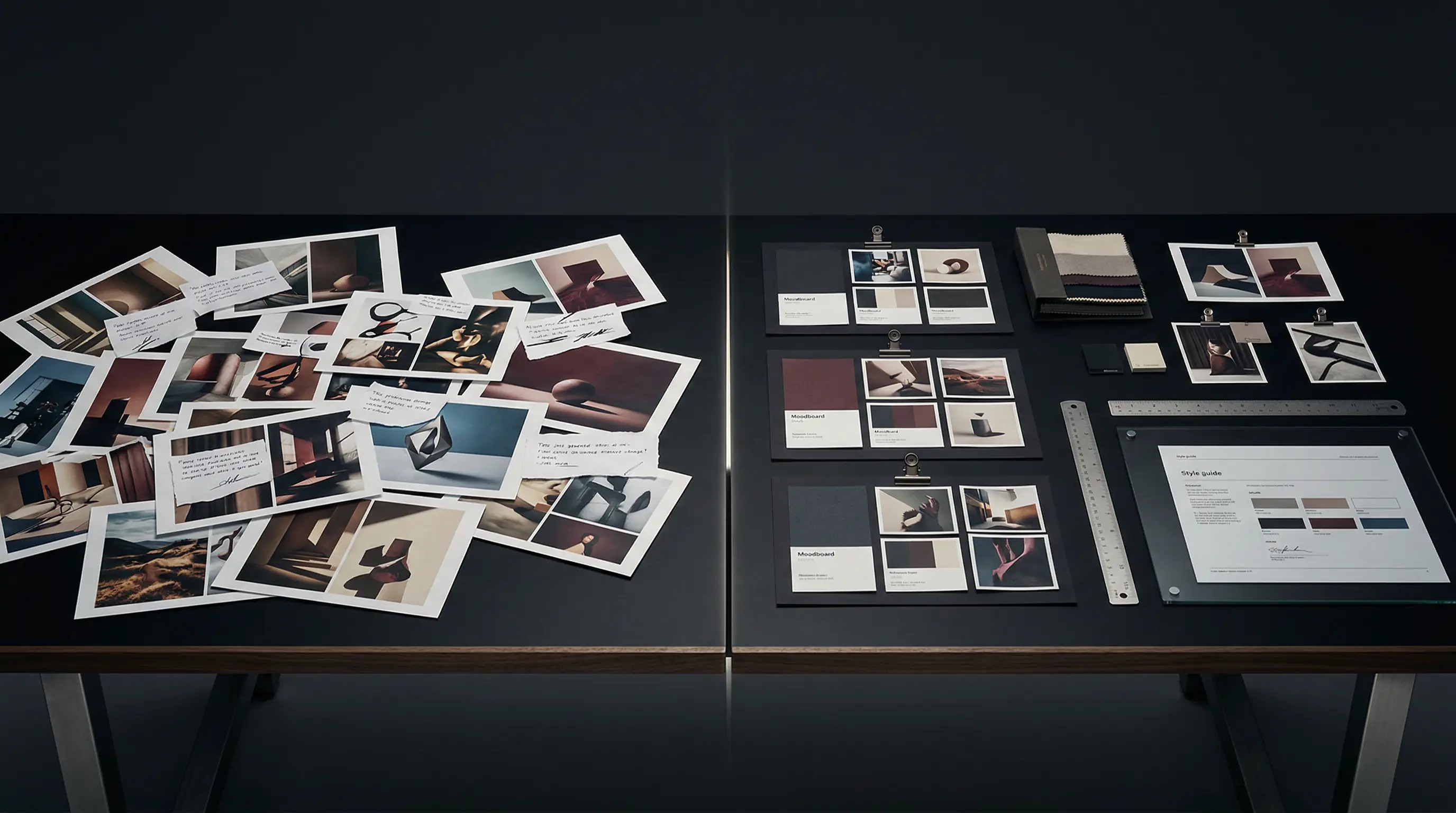
How to Maintain Brand Consistency with AI-Generated Images
Every marketer using generative AI faces the same problem: your first image looks nothing like your tenth.
You spend hours refining prompts to get the right style, only to start from scratch next week when you need a similar image for a different campaign. The result is a visual identity that drifts over time — subtle at first, then unmistakably fragmented.
According to Adobe's 2024 Creative Trends Report, 83% of creative professionals now use generative AI in their work. But Adobe's research also notes that 68% of brand teams report difficulty maintaining visual consistency when multiple creators use AI tools. This is not a technical failure. It is a process failure.
The problem gets worse at scale. McKinsey research shows that brand consistency increases revenue 10-20%. Inconsistent visual identity undermines that value, fragmenting the brand across every touchpoint where AI images appear.
This post covers practical techniques marketing teams use to maintain visual brand consistency with AI-generated images. No advanced prompting courses required.
The Root Problem: Prompt Drift
AI image generators are probabilistic, not deterministic. The same prompt produces different outputs each time. Worse, the results change when models update — a prompt that worked last month may produce visibly different results today.
Most teams solve this by copying and pasting successful prompts. This works until someone tweaks a word, forgets a parameter, or switches from Midjourney to Stable Diffusion. The drift happens slowly: a slightly different color palette, a change in lighting direction, a variation in composition. By the time you notice, you have months of mismatched assets.
Solution 1: Create a Living Style Guide
Brand guidelines traditionally focused on logos, typography, and color codes. AI-era guidelines need to capture visual style at the prompt level.
A useful AI style guide includes:
Core visual parameters — Document the exact prompts or style references that produce your brand's visual identity. Record not just the prompts but the model version, parameters, and any reference images used.
Reference image library — Collect 20-30 images that represent your target aesthetic. Include examples of what to do and what to avoid. Update this quarterly as your visual identity evolves.
Prompt templates — Create reusable prompt structures for common content types. A template for product shots might include position in frame, lighting setup, background style, and color treatment as fixed variables, with only the product itself changing.
Quality checkpoints — Define specific criteria an AI-generated image must meet before publication. This might include color accuracy, composition rules, or subject treatment guidelines.
Solution 2: Use Consistent Seeds and References
Midjourney, Stable Diffusion, and DALL-E all support techniques to improve output consistency.
Style references (Midjourney) — The --sref parameter lets you reference specific images to guide style. Create a small set of reference images that capture your brand aesthetic, then use --sref [URL1] [URL2] with every generation. This keeps outputs within a controlled style range.
Character/Style references (Stable Diffusion) — Use the IP-Adapter or Reference Only ControlNet to maintain character and style consistency across generations. Train a LoRA on your brand's visual assets for even tighter control.
Seed consistency — Fix the random seed when iterating on a concept you like. This lets you make small prompt adjustments while keeping the base composition and style stable.
Solution 3: Build a Shared Prompt Library
Most inconsistency comes from every team member writing prompts from scratch. A shared library solves this.
Organize prompts by use case: social graphics, blog headers, product shots, team photos. Include successful examples with each prompt so users know what "good" looks like.
Review and prune the library monthly. Remove prompts that no longer produce good results (models change). Add new prompts that team members discover. The library should evolve with your brand.
Tools like Notion, Airtable, or even a shared Google Sheet work fine. The important part is centralization and regular maintenance.
Solution 4: Establish a Review Process
AI makes image generation fast. Do not let that speed bypass quality control.
Assign one person as the visual brand owner. All AI-generated images pass through them before publication. Their job is not to be a bottleneck — it is to catch drift before it compounds.
The review should check:
- Does this match our style guide?
- Does it use the correct prompt template?
- Would someone recognize this as our brand if the logo were removed?
Set a threshold: if more than 20% of generated images fail review, the style guide or prompt library needs updating, not the images.
Solution 5: Version Your Visual Identity
Just as you version software, version your brand's visual system. When you update prompts, style references, or model versions, document the change.
This serves two purposes. First, it lets you roll back if a change produces worse results. Second, it creates an audit trail. If someone asks why images from Q2 look different from Q4, you have an answer.
When Consistency Matters Most
Not every AI-generated image needs the same level of control.
High consistency required: Product photography, team headshots, core marketing materials, anything appearing alongside your logo. These assets should follow strict style guide adherence.
Moderate consistency: Blog post illustrations, social content, internal presentations. These can use the prompt library but have more flexibility.
Low consistency: Experimental content, one-off campaigns, creative exploration. Here you can diverge from the style guide intentionally, with the understanding that these assets may not be reusable.
The Disclosure Question
Statista research shows 67% of consumers expect disclosure when brands use AI-generated content. Brand consistency is not just visual — it includes being consistent about how content is made.
Consider developing a disclosure policy as part of your AI style guide. When do you label images as AI-generated? Where does that disclosure appear? Consistent disclosure builds trust. Inconsistent or hidden AI use damages it.
Building a Sustainable Workflow
The techniques above share a common principle: treat AI image generation as a production process, not a creative exploration. Exploration has its place, but not in your core visual identity.
A sustainable workflow looks like this:
- Define your visual identity in AI-executable terms (style guide, reference images)
- Codify successful approaches (prompt templates, parameters, references)
- Generate using the codified system
- Review against quality checkpoints
- Iterate on the system when results drift
This workflow scales. It works whether one person or ten are generating images. It survives model updates and team changes. Most importantly, it produces visual consistency without requiring everyone to become a prompt engineering expert.
If you are applying this to publishing workflows, the same consistency rules matter across covers, launch graphics, and retailer creative. Our practical walkthrough on using an AI book cover generator for indie authors shows how to keep the cover itself commercially sharp while the rest of the campaign stays visually aligned.
What This Means for Your Stack
You do not need expensive enterprise tools to implement these solutions. Most teams can start with a shared document for the style guide, a spreadsheet for the prompt library, and manual review workflows.
As you scale, specialized tools help. Image Studio is built for exactly this problem: maintaining visual consistency across AI-generated images through shared prompts, style references, and team workflows. But the principle matters more than the tool. Start with process, add software when the process proves valuable.
The teams that win with AI-generated imagery will not be those with the best prompts. They will be those with the most consistent process.
About the Image Studio Team
Image Studio helps marketing teams generate consistent, on-brand AI images at scale. Built for teams that need visual coherence without hiring a full-time AI artist.
Related Articles
Canva vs AI: When Templates Stop Being Enough
Canva is excellent for what it does. But there's a ceiling. Here's when template-based design breaks down and AI-native generation becomes the only path forward.
AI Product Photography for Ecommerce: The Conversion Data for 2025
75% of shoppers rely on product photos to buy. Here's what the data says about AI product photography and ecommerce conversion rates in 2025.
AI Product Photography Guide for Small Stores
How small stores can use AI product photography for marketplace listings, social posts, and site assets without losing consistency.
Ready to create images that convert?
Generate headshots, thumbnails, and covers that stay on brand—no photo shoots or design rounds.
Launch Image Studio