
AI Thumbnail Maker for YouTube: The Creator's Complete Guide
MrBeast spends $10,000 per thumbnail. Most creators spend 30 minutes in Canva. AI thumbnail makers are closing that gap. Here's what actually works.
Portrait Pro Team
Image Studio
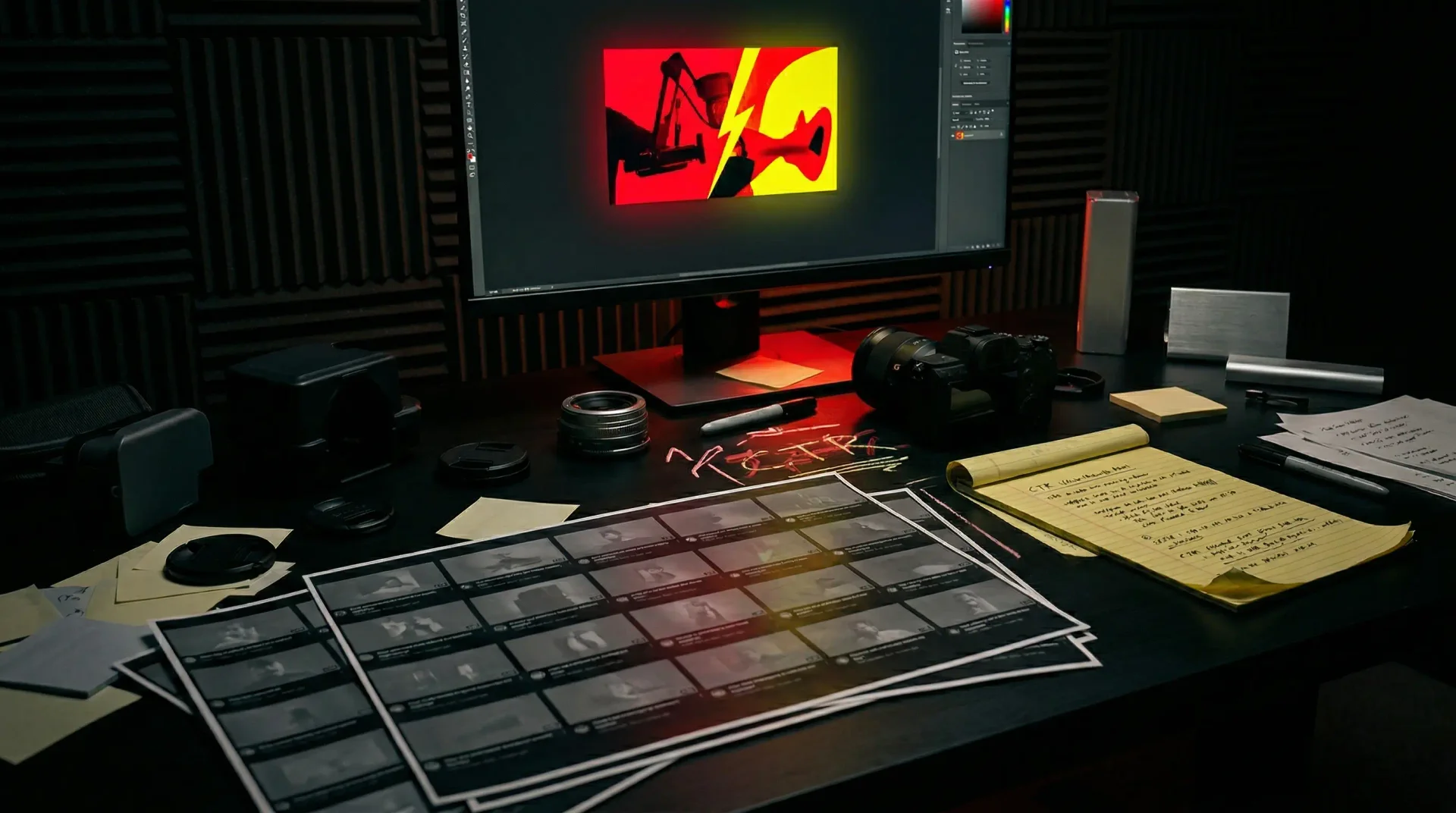
MrBeast's team generates 50 thumbnail concepts per video. They shoot dedicated thumbnail sessions separate from the actual video. They spend an average of $10,000 per thumbnail.
Most creators open Canva 15 minutes before uploading, drag in a screenshot from their video, add some bold text, and call it done.
The performance gap between these two approaches is not subtle. YouTube's own data shows that 90% of the platform's best-performing videos use custom thumbnails. Videos with optimized thumbnails see click-through rate improvements between 30% and 154%. And in 2026, YouTube's algorithm doesn't just measure whether people click — it evaluates what happens in the 30 seconds after they do. The thumbnail isn't just a poster for your video. It's the first test of whether your content deserves distribution.
AI thumbnail makers are rewriting the economics of this equation. What once required a $500 designer or hours of Photoshop work can now happen in minutes. But the gap between a mediocre AI thumbnail and one that actually performs is the same as it ever was: understanding what makes thumbnails work in the first place.
The CTR Landscape: Where Most Creators Actually Stand
The average YouTube CTR in 2026 falls between 2% and 10%, with most creators landing around 4% to 5%. If your thumbnails consistently drive above 7%, you're outperforming the majority of the platform. Above 10% means your packaging is doing serious work.
But these numbers vary dramatically by content type and traffic source.
By content type: Gaming achieves the highest organic CTR at 8.5% — driven by high engagement, frequent uploads, and a creator community that's spent years optimizing thumbnail craft. Educational content shows the lowest CTR at 4.5%, reflecting viewers who are searching for specific information rather than browsing for entertainment.
By traffic source: YouTube Search delivers CTR between 8% and 15% for well-optimized content. Browse Features (the homepage and subscription feed) drops to 3% to 7%. Suggested Videos falls in between at 5% to 10%. Where your views come from determines what "good" looks like.
The implication is clear. A 5% CTR might be excellent for a tutorial that surfaces through search. The same number might be failing for an entertainment video competing in browse. Context matters.
What YouTube's Algorithm Actually Measures
The algorithm tests every new video with a small audience segment first. Strong CTR in this initial test means wider distribution. Weak CTR means the video stops spreading — often before it ever had a chance.
But here's where 2026 differs from earlier years. YouTube now tracks "Quality CTR" — not just whether viewers clicked, but whether they stayed. A thumbnail that overpromises and underdelivers gets punished. High CTR combined with early drop-off tells the algorithm that your packaging is misleading, and it stops recommending your content.
The practical implication: your thumbnail must be honest about what the video actually contains. Clickbait thumbnails might spike initial CTR but will destroy your watch time and, ultimately, your recommendations. The thumbnail's job is to attract viewers who will actually enjoy what they find.
YouTube also A/B tests thumbnails automatically. You can upload 2-3 variations, and YouTube will show different versions to different audience segments for 7-14 days, tracking which drives the highest watch time — not just clicks. This means even creators without expensive testing tools can experiment with different approaches and let the platform identify winners.
The Anatomy of a High-Performing Thumbnail
The research on what drives thumbnail performance is more specific than "make it eye-catching." Certain visual elements consistently outperform others across content types and audience segments.
Faces and Emotion
Thumbnails with faces showing strong emotions increase CTR by up to 30% compared to those without. This isn't about looking good — it's about triggering curiosity. A face showing genuine surprise, excitement, confusion, or shock creates what researchers call a "curiosity gap." The viewer sees a reaction and needs to know what caused it.
The expression must read at small sizes. YouTube thumbnails appear as small as 120 pixels wide on mobile. Subtle expressions disappear. A slight smile reads as neutral. The expression needs to be exaggerated compared to real-life social norms — closer to theatrical than conversational.
Eye contact matters. Direct eye contact with the camera creates connection. Eyes looking off-frame can work if they're looking at something visible in the thumbnail (a product, a dramatic scene). But obscured eyes — whether from sunglasses, shadows, or hair — consistently underperform.
Color and Contrast
High contrast between foreground and background is mandatory, not optional. The 60-30-10 rule provides a working framework: 60% of the frame as the dominant background color, 30% as a secondary color (usually your subject), and 10% as an accent for text or highlights. This prevents visual chaos while maintaining impact.
Complementary colors — pairs that sit opposite each other on the color wheel — create natural tension that draws the eye. Blue backgrounds with orange/yellow elements. Purple backgrounds with gold accents. The specific colors matter less than the contrast relationship between them.
At mobile sizes, color is often the first thing that distinguishes one thumbnail from another in a row of suggested videos. Bold, saturated colors outperform muted palettes. The goal is to interrupt the scroll — subtlety works against you.
Text Placement and Economy
Thumbnails with text should aim for 3-5 high-impact words maximum. Not sentences. Not explanations. Words that add information the image alone can't convey.
Power words earn their place: "Secret," "Warning," "Biggest," "Finally," "Mistake." Generic words waste limited space.
Text placed in the upper portion of the thumbnail avoids being obscured by YouTube's timestamp overlay in the bottom-right corner and viewing progress indicators. The bottom 15-20% of the frame is a danger zone for text.
The Simplicity Constraint
At mobile sizes, more than four distinct elements create visual chaos. The viewer's eye can process one dominant element and one supporting element before the image reads as cluttered.
This constraint forces difficult choices. You can't have an expressive face, a detailed background, multiple text elements, a logo, and a product shot. Something has to go. The most effective thumbnails commit to one clear visual idea and execute it with discipline.
Looking for the psychology behind what makes thumbnails actually perform? Read our breakdown of why most YouTube thumbnails fail to get clicks — and the fix for the three-phase psychological flow that turns scrollers into viewers.
How AI Changes the Thumbnail Workflow
AI thumbnail generators have evolved significantly. The current landscape includes several distinct approaches:
Video-Analysis Tools: Platforms that analyze your video content and automatically generate thumbnail concepts based on key scenes and emotional moments. No prompting required — you upload the video, and the AI identifies what's likely to grab attention.
Prompt-Based Generators: Tools where you describe the thumbnail you want in natural language. These offer more creative control but require you to already know what you're looking for.
All-in-One Platforms: Tools that connect thumbnail creation with title generation, script writing, and SEO optimization. The premise is that packaging should be consistent across all elements — image, title, description, and tags working together rather than designed in isolation.
The workflow advantage is significant. What took hours in Photoshop — subject cutouts, background removal, color grading, compositing — can happen in minutes. More importantly, the cost barrier to experimentation drops. Instead of committing to one thumbnail and hoping it works, creators can generate 15-20 variations and test which actually performs.
MrBeast's team generates around 50 thumbnail concepts per video before selecting the final option. AI makes this volume possible for solo creators without a dedicated design team.
What AI Handles Well
Background generation and replacement: AI excels at creating clean, high-contrast backgrounds from simple prompts. Gradient backgrounds, dramatic lighting effects, and stylized environments that would require significant Photoshop work can be generated in seconds.
Style consistency: Once you establish a visual style that works, AI can replicate it across videos. The same color palette, the same compositional structure, the same treatment of text zones — maintained automatically rather than recreated manually each time.
Concept exploration: Rapid iteration on different approaches. Try a dramatic close-up face version, a product-focused version, a text-heavy version, and a minimal version — all within minutes rather than hours.
Scale and volume: The ability to produce many options and test them changes the optimization loop. Instead of designing one thumbnail and living with it, you can generate multiple variations, upload them to YouTube's built-in A/B testing, and let data drive the decision.
What AI Still Struggles With
Text rendering: AI-generated text in images remains unreliable. Expect misspellings, garbled characters, and inconsistent letterforms. The workaround is to design compositions with clear solid-colored zones where text can be added in post-processing using a separate design tool. Ask the AI for the image with designated text areas, then composite the actual text yourself.
Authentic expressions: AI-generated faces can hit the uncanny valley. Real faces with real expressions — captured in dedicated thumbnail shoots or pulled from video footage — often outperform AI-generated faces. AI works best when handling backgrounds, effects, and environments while real faces remain in the foreground.
Brand-specific details: Logos, specific products, and recognizable brand elements don't always render accurately. If brand accuracy is critical, use AI for the supporting elements and composite the exact brand assets manually.
Current event relevance: AI can't read the moment. If your video relates to something that just happened — a news event, a viral trend, a platform update — you'll need to provide that context explicitly. AI generates based on patterns in training data, not real-time cultural awareness.
Practical Workflow: From Concept to Published Thumbnail
Here's an efficient process for using AI thumbnail makers:
Step 1: Start with the hook. Before opening any tool, answer: what is the single thing this thumbnail needs to communicate? Not the video topic — the specific emotional or informational hook that will make someone click. Write it in one sentence.
Step 2: Generate background options. Use AI to create 3-4 background variations that support your hook. Focus on color, mood, and composition — not the complete thumbnail. Think of these as canvas options.
Step 3: Capture or select your face/subject. If using a face, pull from video footage or shoot a quick dedicated thumbnail photo with the expression you need. Real faces with real expressions typically outperform AI-generated ones.
Step 4: Composite in a design tool. Combine the AI background with your face/subject. Add text manually for reliability. Apply color grading to unify the elements.
Step 5: Test at mobile size. Shrink your thumbnail to 120 pixels wide. Can you still identify the subject? Does the expression read? Is the text legible? If not, simplify.
Step 6: Upload multiple variations. Take advantage of YouTube's built-in thumbnail testing. Upload 2-3 meaningfully different versions and let the platform identify which drives the best watch time over 1-2 weeks.
The Economics of Thumbnail Investment
The math on thumbnail optimization is compelling. A thumbnail that moves CTR from 4% to 6% — a 50% improvement — means 50% more viewers see your content from the same impression pool. For a video that gets 10,000 impressions, that's 200 additional viewers without any change to the content itself.
Compound this across an upload schedule. If you publish weekly, improving thumbnail CTR by 2 percentage points across all videos could mean thousands of additional views per month — with zero additional production work.
Traditional options for professional thumbnails:
- Freelance designers: $50-$100 per thumbnail, with turnaround times of 24-72 hours
- Agency retainers: $500-$2,000 per month for regular thumbnail work
- In-house designers: Full-time salary plus benefits
AI thumbnail makers shift the equation:
- Standalone tools: $20-$50 per month for unlimited generation
- Integrated platforms: Often included with broader creator tool subscriptions
- Per-image pricing: Some tools charge $1-$5 per generation
The cost reduction is significant, but the bigger advantage is speed. Ideas can be tested in minutes rather than days. More experimentation leads to faster learning about what works for your specific audience.
Where Thumbnail Strategy Goes From Here
YouTube's algorithm continues to evolve toward measuring quality, not just clicks. The thumbnail that wins in 2026 isn't the most clickable — it's the most accurately clickable. The one that attracts viewers who stay, watch, and engage.
AI thumbnail makers will continue improving. Text rendering will become more reliable. Style consistency will become easier to maintain. The gap between what solo creators can produce and what well-funded studios create will narrow.
But the fundamentals remain unchanged. A thumbnail is a promise about what the video contains. Make a compelling promise. Keep the promise. Everything else — the tools, the techniques, the optimizations — is in service of that basic contract between creator and viewer.
The creators who understand what makes thumbnails work at a fundamental level will use AI tools to execute that understanding faster and cheaper. The creators who expect AI to solve the strategic problem — what should this thumbnail communicate? — will continue producing forgettable thumbnails faster.
The tool changed. The thinking hasn't.
Related Reading
More on YouTube thumbnails and creator strategy:
- Why Most YouTube Thumbnails Fail to Get Clicks — And the Fix — The psychology behind scroll-stopping thumbnails
- AI Social Media Graphics for Brand Differentiation — Apply the same visual principles to other platforms
- Maintaining Brand Consistency with AI-Generated Images — Style guides for visual content at scale
For creators building a visual brand:
- AI Headshots for Creative Professionals — When AI imaging helps and when to avoid it
- Best AI Headshot Generators Compared (2026) — Head-to-head testing of 7 services
- Canva Alternatives with AI Design — Comparing AI design tools beyond Canva
Related Articles
Why Your YouTube Thumbnails Aren't Getting Clicks (And How to Fix Them)
Most creators get thumbnail creation backwards. Learn the psychology-driven framework that turns scrollers into viewers—without expensive software or design skills.
AI Product Photography Guide for Small Stores
How small stores can use AI product photography for marketplace listings, social posts, and site assets without losing consistency.
LinkedIn Headshot AI Guide for 2026
A practical guide to LinkedIn headshot AI: likeness, lighting, trust signals, usage rights, and whether the final image earns the meeting.
Ready to create images that convert?
Generate headshots, thumbnails, and covers that stay on brand—no photo shoots or design rounds.
Launch Image Studio